Create an Account
Registering for a FormAgent.ai account is quick and easy. You can sign in instantly using your Google account or email address.
Sign-In Screen
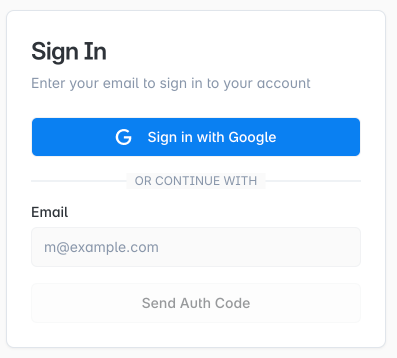
Account Creation Steps
1. Sign in with Google
- Click the "Sign in with Google" button.
- Follow the prompts on the Google authentication page to complete login.
2. Sign in with Email
- Enter your email address and click "Send Verification Code."
- A verification code will be sent to your email.
- Enter the code to complete your account registration.
No password or company name required—anyone can get started easily.
Frequently Asked Questions
Q: Do I need to set a password?
A: No. You can use Google authentication or email verification only.
Q: Do I need to provide credit card information?
A: No. You can start for free right away.
More details will be added soon.
- For any other questions or issues, feel free to contact us via the FormAgent.ai homepage using the agent chat.
- Email: [email protected]